Available on iOS & Android

Networking at the
Speed of a Tap.

Introducing Signify Widgets-the ultimate shortcut to sharing your professional identity. Place your digital business card directly on your smartphone's home screen for instant, effortless connections.
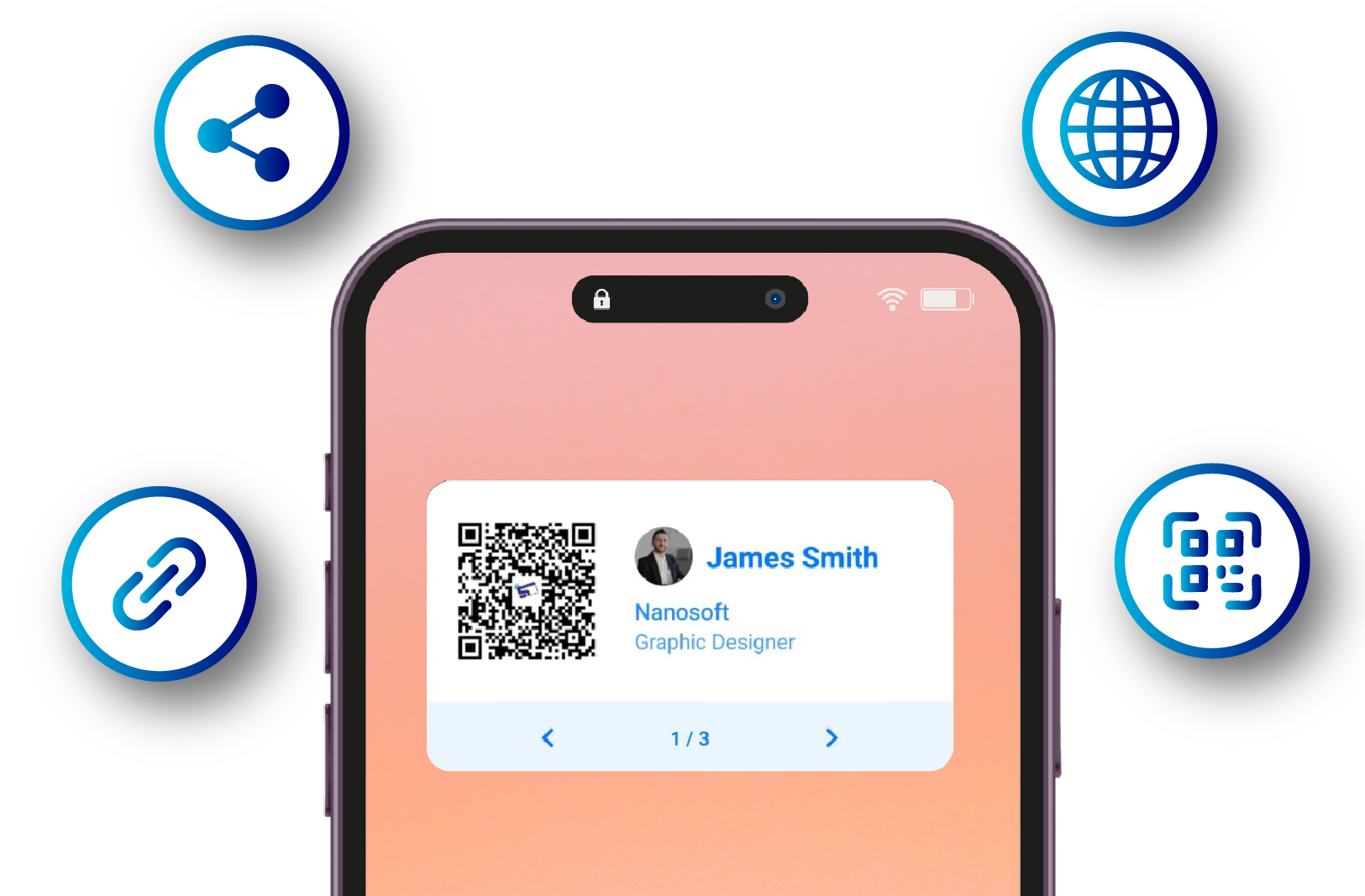
Signify Smartphone Widgets on iOS and Android home screens
The Problem

The Friction of First Impressions

In today's fast-paced world, every second counts. Traditional networking is filled with moments of friction-fumbling for a paper card, typing in contact details, or realizing your information is outdated. These small delays can disrupt the flow of a great conversation and dilute the impact of a new connection. A seamless introduction is more than just convenient; it's a statement of your professionalism and efficiency.

How It Works

Your Network, One Tap Away

The Signify Widget isn't just a button; it's a dynamic portal to your professional world, right from your home screen. It eliminates the need to search for an app, allowing you to perform key networking actions instantly.

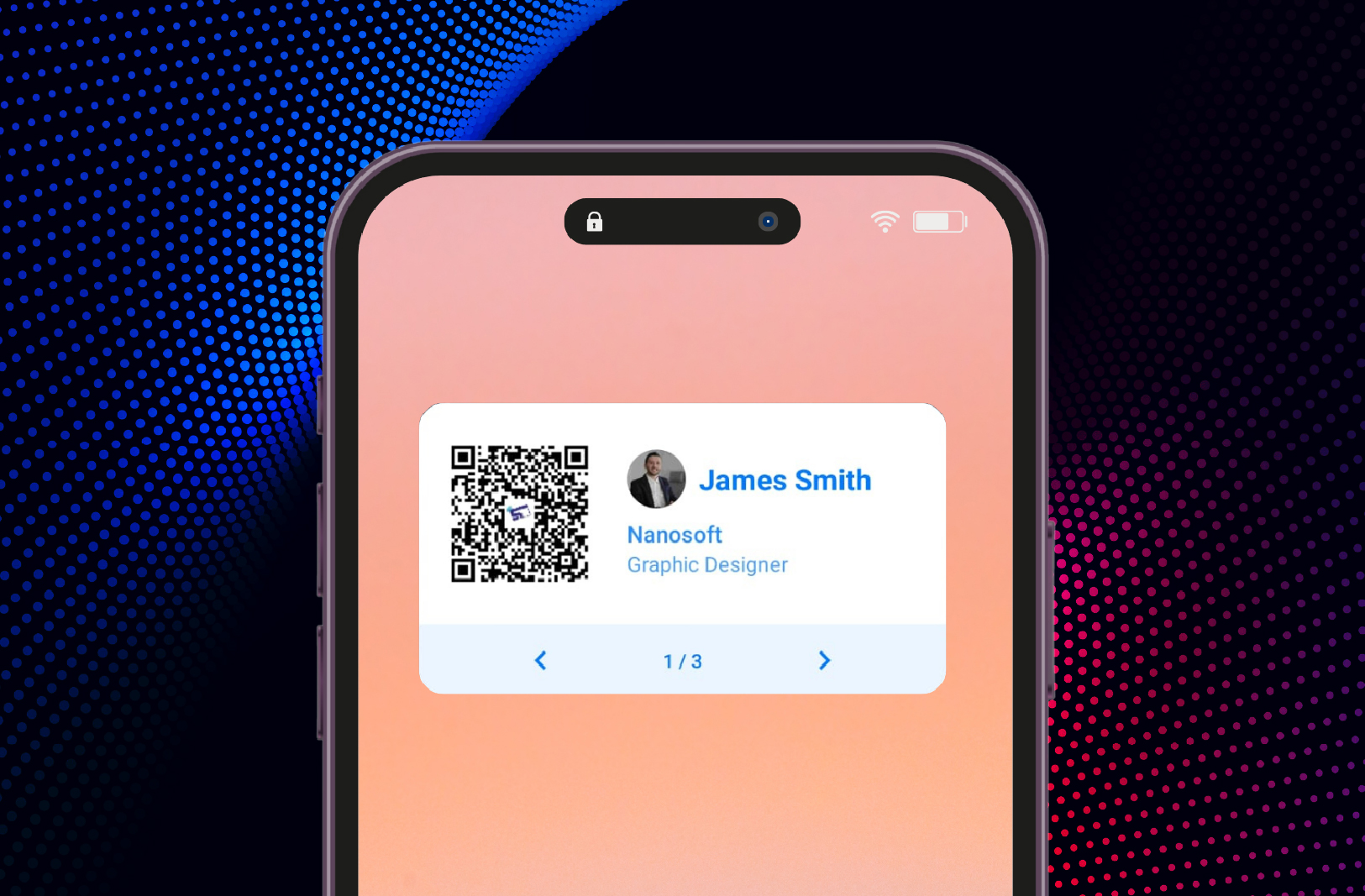
Signify Widget on smartphone home screen

Instant Share QR Code

Your QR code is available with a single glance at your phone, ready for sharing in under a second.

At-a-Glance Analytics

Check how many people have viewed your card or added you as a contact directly from your home screen.

Quick Contact Access

Quickly access the details of recently added contacts for immediate follow-ups while the memory is fresh.

Always Ready, Always On

The Signify Widget transforms your phone's most valuable real estate-the home screen-into a powerful networking tool. Whether you need to instantly share your QR code, check your analytics, or quickly access a new contact's details, the widget provides zero-delay access.

Benefits

The Unfair Advantage

Integrating a Signify Widget into your workflow is more than a simple convenience. It's a strategic move that fundamentally enhances how you connect with others.

Unmatched Speed & Access

Eliminate fumbling forever. Your QR code is available with a single glance at your phone, ready for sharing in under a second. This speed ensures you capture opportunities the moment they arise.

A Modern, Professional Image

Using a home screen widget for your business card is a powerful non-verbal cue. It signals that you are tech-savvy, efficient, and forward-thinking.

Actionable Insights, Instantly

Stay informed without opening an app. The analytics widget delivers key metrics, like card views and new connections, directly to your home screen.

Effortless Follow-ups

Quickly access the details of recently added contacts via the widget. This seamless recall makes sending a follow-up message or connecting on LinkedIn immediate and effortless.

Enhanced Brand Recall

The constant, subtle presence of your professional identity on a contact's home screen keeps you and your brand top-of-mind, fostering a stronger connection.

Optimized and Efficient

Designed for performance, Signify Widgets are built to be lightweight and battery-friendly. They provide maximum utility with minimal impact on your device's resources.

Data

Networking Reimagined

We analyzed the typical time it takes to exchange contact information across different methods. The results speak for themselves. The Signify Widget provides a quantifiable leap in efficiency.

Setup

Ready in Seconds

Adding the Signify widget to your home screen is simple and takes less than a minute. Follow these easy steps to unlock instant networking capabilities on your device.

For iOS

1

From your Home Screen, touch and hold an empty area until the apps jiggle.

2

Tap the Add button (+) in the upper-left corner.

3

Search for and select the Signify app, then choose your desired widget (Share, Analytics, etc.).

4

Tap "Add Widget," position it on your screen, and tap "Done."

For Android

1

On your Home screen, touch and hold an empty space.

2

Tap the "Widgets" option that appears.

3

Scroll or search to find the Signify app.

4

Touch and hold the Signify widget, then drag it to your desired position on the Home screen.

FAQ

Frequently Asked Questions

Is the Signify Widget available for both iOS and Android?

+

Yes, absolutely. We have developed native widgets for both iOS and Android to ensure a seamless and optimized experience, regardless of your device. The setup process is slightly different for each platform, but both are straightforward and quick.

Will the widget drain my phone's battery?

+

Not at all. Our widgets are designed to be extremely lightweight and power-efficient. They only update information when necessary and use minimal system resources, so you can enjoy the convenience without noticing any impact on your battery life.

Can I customize which widget I see on my home screen?

+

Yes. Signify offers multiple widget types to suit your needs. You can choose to display your main Share QR Code for instant access, your Analytics widget to monitor card performance, or the Recent Contacts widget for quick follow-ups. You can even add multiple Signify widgets to your home screen if you wish.

Does the widget require an internet connection to work?

+

For some functions, yes. The Share QR Code widget can display your code offline, as it's stored on your device. However, to sync the latest analytics data or new contact information, the widget will need a brief internet connection to update from your Signify account.

Ready to Network Smarter, Not Harder?

Join thousands of professionals who have already elevated their networking with Signify. Get your digital business card today and unlock the power of instant, seamless connections with Smartphone Widgets.

Create Your Free Signify Card