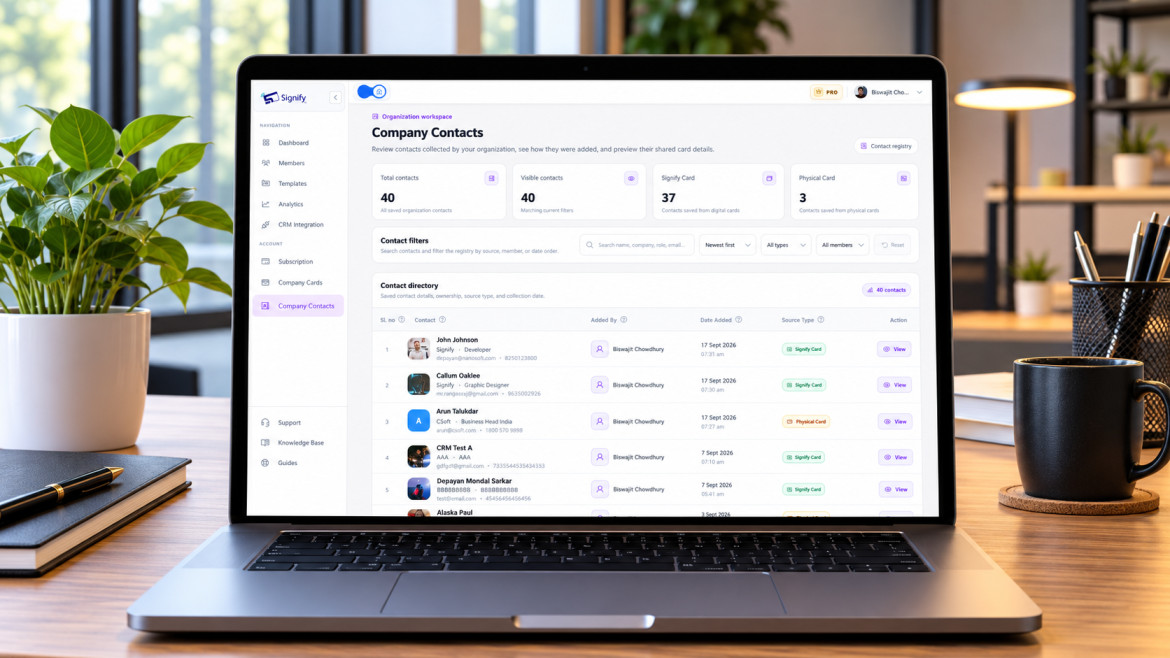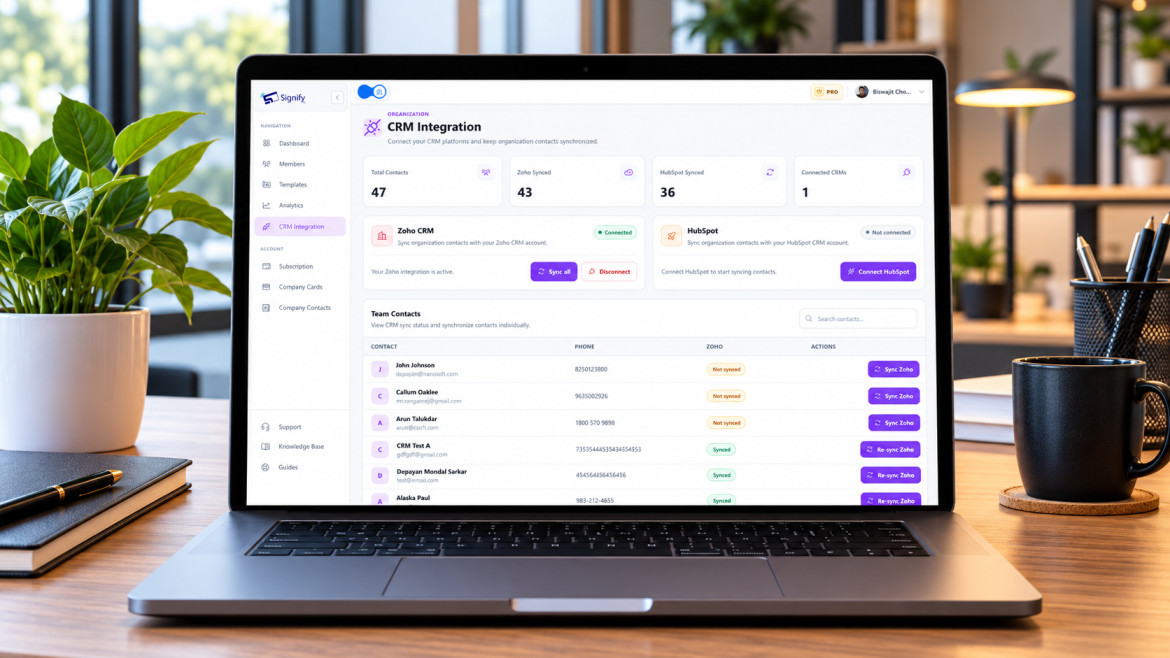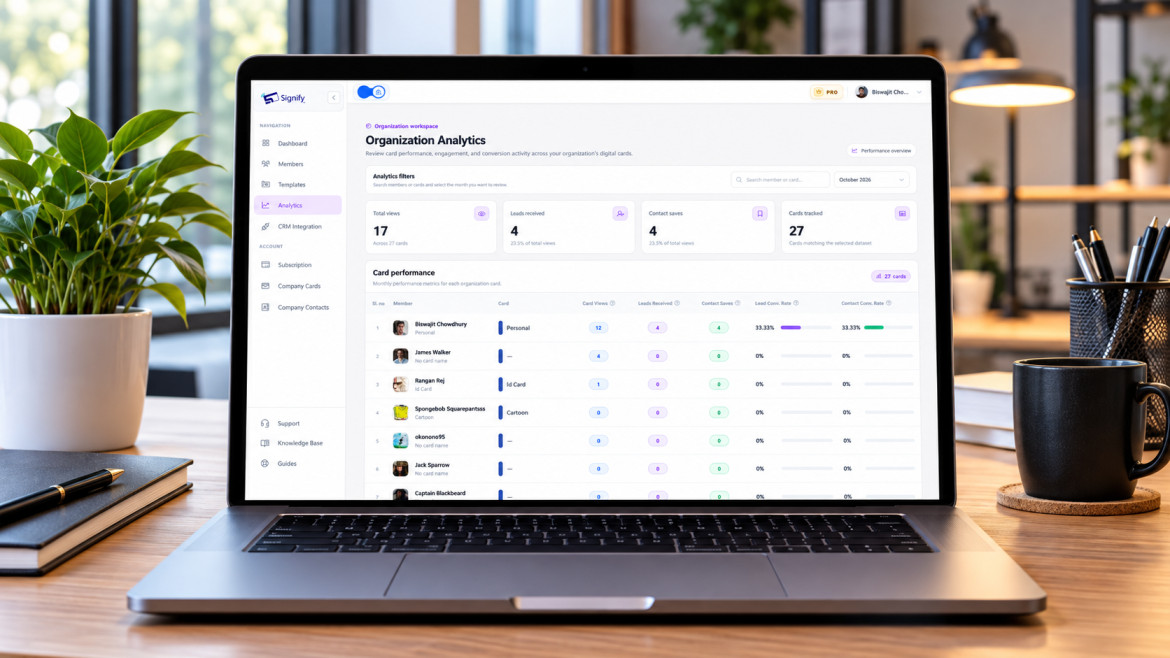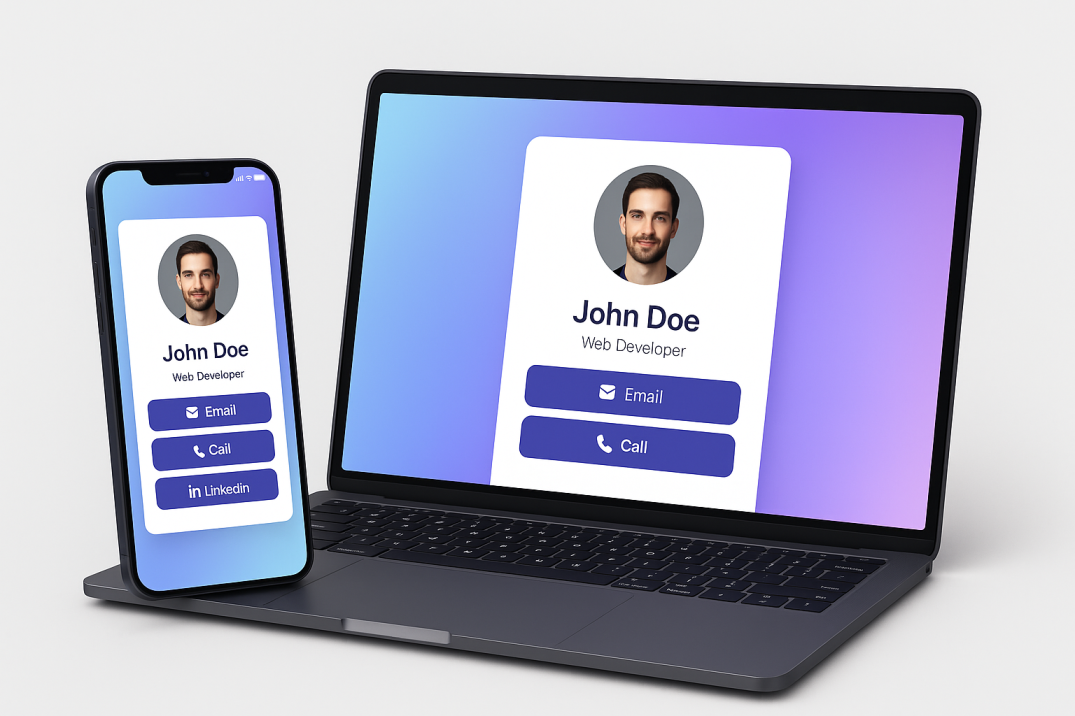

Freelancers and creatives face a networking problem that most professionals don’t: your work is your brand, but a paper card can’t show it. A designer can’t fit a portfolio on a 3.5-inch rectangle. A photographer can’t link to a reel from a printed phone number. A writer can’t update a card every time a new byline goes live. A Signify digital business card changes that. It turns a static handoff into an interactive showcase — portfolio links, social profiles, booking calendars, video reels, and PDF lookbooks, all in one shareable profile that recipients can open without downloading an app[reference:0][reference:1]. This guide explains why freelancers and creatives are switching in 2026, what to put on your card, and how to set it up so it actually wins you work.
The timing matters. Research on networking behaviour shows that 90% of new contacts are forgotten within 48 hours without immediate reinforcement[reference:2], and only 12% of traditional business cards ever translate into a digital follow-up[reference:3]. For freelancers, that gap is the difference between a busy quarter and a slow one. A digital card closes it by putting your portfolio, your availability, and a booking link one tap away — at the exact moment someone is deciding whether to work with you.
Why freelancers and creatives need digital business cards
The freelance economy runs on referrals, repeat clients, and first impressions. A paper card delivers a phone number and an email address; a digital card delivers a portfolio, a booking link, a social presence, and a reason to follow up. That difference matters more for creatives than for almost any other profession, because the work itself — not the job title — is what wins the next project.
There’s also a practical argument. Freelancers change roles, services, and contact details more often than salaried employees. A printed card goes out of date the moment a new case study goes live or a phone number changes. A Signify digital business card updates once and stays current everywhere it’s been shared. The Signify company page describes the core idea: your identity, simplified; your network, amplified.
The 3-second figure comes from Signify’s own research on networking friction: if it takes more than three seconds to save a contact, the conversion rate drops by 60%[reference:4]. For a freelancer meeting a potential client at a gallery opening or a co-working space, that’s the difference between a saved contact and a lost opportunity.
Showcase your work, not just your contact details
For creatives, the portfolio is the pitch. A paper card asks the recipient to remember your name and look you up later — and most won’t[reference:5]. A digital card removes that step. It can include:
Portfolio links
Link directly to Behance, Dribbble, a personal website, or wherever your work lives — recipients browse the moment they receive your card.
Video reels and demo links
Filmmakers, animators, and video producers can link to a showreel on YouTube or Vimeo, letting the work make the pitch.
Booking and scheduling links
Add a Calendly or booking link so a potential client can schedule a consultation directly from your card.
PDF lookbooks and media kits
Link to a downloadable PDF that shows your style, past clients, rates, and availability — especially useful for photographers and illustrators.
Signify supports rich media links, portfolio URLs, and booking integrations — so a single card can carry the full weight of your creative identity[reference:6]. The digital business card page shows how these fields are configured.
Always up to date
A freelancer’s professional identity is a moving target. New case studies go live. Rates change. Social handles get updated. A printed card becomes a historical artifact the moment you hand it over. A digital card doesn’t.
Update your Signify profile once — new portfolio link, new phone number, new service offering — and every card you’ve shared reflects the change automatically. No reprints, no awkward follow-up emails explaining that the old number is dead. That reliability is a quiet but powerful trust signal: clients learn that your information is current, which makes them more likely to reach out.
The same logic applies to your email signature. If your role or services change, the signature updates with your card, so every outgoing email stays accurate without manual editing.
Save money and time
Freelancers and creatives usually operate on tight budgets. A print run of 500 cards costs money; a reprint after a rebrand costs money again. A digital card replaces the entire print-and-reprint cycle with a one-time setup and unlimited sharing.
Signify offers a free tier for individual professionals that covers the core features — card creation, sharing, and basic analytics[reference:8]. Paid plans add more cards, custom branding, and team features. For a freelancer, the free tier is often enough to start; for an agency or a creative team, Signify Teams adds centralized management and branded templates.
The time savings are just as real. You don’t have to reorder cards, carry a stack in your bag, or worry about running out at an event. Your card lives on your phone and in your email signature, ready whenever you need it. The pricing page has the current plan details.
Eco-friendly networking fits your creative values
Many creatives care deeply about sustainability, and paper cards are a surprisingly large source of waste. Industry data shows that 88% of printed business cards are discarded within a week — meaning the vast majority of print runs end up in the bin. For a creative whose brand is built on values, that’s a contradiction worth resolving.
A digital business card eliminates the paper, the ink, the shipping, and the reprint cycle. It’s a small but visible way to align your networking practice with your creative values — and it’s a point you can mention to clients who care about working with sustainable suppliers.
Security and privacy you control
Freelancers often share personal contact details — a personal phone number, a home address, a private email — that they don’t want broadcast to every contact. Signify is designed with privacy-first sharing, so you control what appears on your public profile and can keep sensitive information off the card[reference:9].
That matters in practice. A photographer meeting a client at a wedding doesn’t necessarily want their personal number on a public card; a writer working with a publisher may want to keep their home email private. A digital card lets you share the professional details that matter while keeping the rest out of view. The company page lists secure sharing as a core design principle.
Analytics and smarter follow-ups
One of the clearest advantages of a digital card over paper is visibility. A paper card gives you no data — you never know who looked at it, who saved it, or who ignored it. A Signify card tracks profile views, QR scans, link clicks, and engagement sources in near real time[reference:10].
For a freelancer, that data changes how you network. You can see which portfolio link gets clicked most, which events produce engagement, and which types of introductions actually lead to conversations. Use it to refine your card and your follow-up timing. For teams, Signify Teams aggregates analytics across every card, so an agency can measure networking ROI at an organizational level.
Basic analytics are available on the free plan; detailed insights require a premium plan. The pricing page has the full breakdown.
Personal branding for creatives
For a creative, a business card isn’t just a contact exchange — it’s a design artifact. Signify supports multiple themes and layouts (Origin, Aura, Frame, Vibe, and Spark) so you can match your card to your personal brand or your studio’s visual identity[reference:11].
Practical branding choices that matter for creatives:
- Color consistency. Use your brand palette in the card’s theme and accent color. A designer’s card should feel like an extension of their portfolio, not a generic template.
- A professional but personal photo. Faces are remembered better than names. A clear portrait — not a logo — makes the card feel human and memorable.
- A specific headline. “Freelance illustrator specializing in editorial and children’s books” is memorable; “creative professional” is not.
- Rich media links. Portfolio, reel, lookbook, booking link — the card should carry the work, not just describe it.
- A shareable URL. Signify generates a clean link you can put in social bios, on a website, or in an email signature.
If you work with a team or agency, Signify Teams lets you deploy a branded template so every creative’s card carries the same studio identity while keeping individual portfolio links and contact details intact.
Setting up your card in five steps
Building a freelance-ready digital card takes minutes, not hours. Here’s the sequence:
- Create your card. Sign up and open the card editor via Create a Card.
- Add your core identity. Name, role, a clear photo, and a one-line bio that tells a potential client exactly what you do.
- Add your work links. Portfolio, social profiles, booking calendar, and any rich media the card supports — video, PDF, or a media kit.
- Choose a theme and color. Pick a layout that reflects your creative style. Signify’s themes are designed to accommodate different brand personalities[reference:12].
- Test sharing. Scan the QR code with a second device, tap the NFC card if you have one, and send yourself the link. Confirm everything opens correctly before you share it with a client.
If you also want a physical touchpoint, a Signify NFC card pairs with your digital profile — you hand it over like a traditional card, and the recipient taps or scans to open the live version. For a creative, that tactile moment can be part of the brand experience.
Frequently asked questions
Do recipients need an app to view my Signify card?
No. Your card opens in a standard web browser on any smartphone, tablet, or computer. There’s nothing to download — which matters when you’re sharing with a client who may not use the same tools you do.
Can I link to my portfolio and social profiles?
Yes. Signify supports portfolio URLs, social links, booking calendars, video links, and PDF lookbooks. For creatives, this is the core advantage — the card carries the work, not just the contact details[reference:13].
Is Signify free for freelancers?
Yes. Signify offers a free tier for individual professionals that includes core card creation, sharing, and basic analytics. Paid plans add more cards, custom branding, and team features. See the pricing page for details[reference:14].
How do I share my card in person?
Three ways: NFC tap (fastest, requires a Signify NFC card), Smart QR code (universal — works with any phone camera), or a direct link via text or messaging app. Most freelancers keep at least two methods available.
Can I update my card after sharing it?
Yes. Update the profile once, and everyone who has saved your card will see the latest version when they reopen it. No reprints, no need to resend links. This is especially useful for freelancers whose services and portfolio change frequently.
What analytics does a Signify card provide?
You can track profile views, QR scans, link clicks, and engagement sources. Data is updated in near real time, and you can filter by day, week, month, or custom range[reference:15]. Basic insights are available on the free plan; detailed analytics require a premium plan.
Can I keep my personal contact details private?
Yes. Signify is designed with privacy-first sharing, so you control what appears on your public profile. You can share professional details — portfolio, booking link, social profiles — while keeping personal contact information off the card.
How does this help a creative team or agency?
Signify Teams adds centralized management: seat assignment, branded templates, shared company contacts, team analytics, and CRM integration. It lets an agency maintain a consistent visual identity while giving each creative their own portfolio-rich card.
What should I put on my card as a freelancer?
Start with a clear photo, a specific one-line bio, a portfolio link, a booking or contact link, and one social profile where you’re active. Keep it focused — a card with four strong links is more useful than one with twelve weak ones.
Can I use Signify alongside paper cards during the transition?
Yes. Many freelancers carry a Signify NFC card as a physical touchpoint while sharing the same profile digitally. The card is handed over as usual — the tap or scan opens the live digital version, combining the tactile feel of a card with the advantages of a dynamic profile.
Turn your next introduction into your next project
Build a Signify digital card that shows your work, your availability, and your personality — and make it easy for the right client to find you.
Create your free digital card