
A practical playbook for professionals, teams, and businesses. Learn the fastest ways to share your Signify digital business card across meetings, events, email, NFC, QR codes, and virtual platforms.
The way professionals network has fundamentally changed. We no longer rely solely on chance encounters or exchanging small pieces of cardstock. Modern networking happens in person, online, and everywhere in between. Because of this, sharing your professional information needs to be immediate, frictionless, and accessible from any device.
Professionals are rapidly moving from paper cards to digital profiles. The faster someone can save your details, visit your profile, or book a meeting, the more likely that introduction becomes a real opportunity. According to recent networking data, 88% of paper business cards are thrown away within a week. Conversely, digital cards see an 85% engagement rate because they provide immediate value and require zero manual data entry. This guide will walk you through the best ways to share your digital card in seconds.
Why Speed Matters in Modern Networking
In the modern business world, attention is the most valuable currency. When you meet someone at a conference, a coffee shop, or a virtual event, you have a very narrow window to make a lasting impression. If the process of exchanging information is clunky or slow, you risk losing the connection entirely.
Sharing happens in seconds instead of after the meeting. Recipients can access contact details, links, and assets in one place. One card can be shared across many channels and updated anytime. This reusable nature means you never run out of cards, and you never have to worry about outdated information.
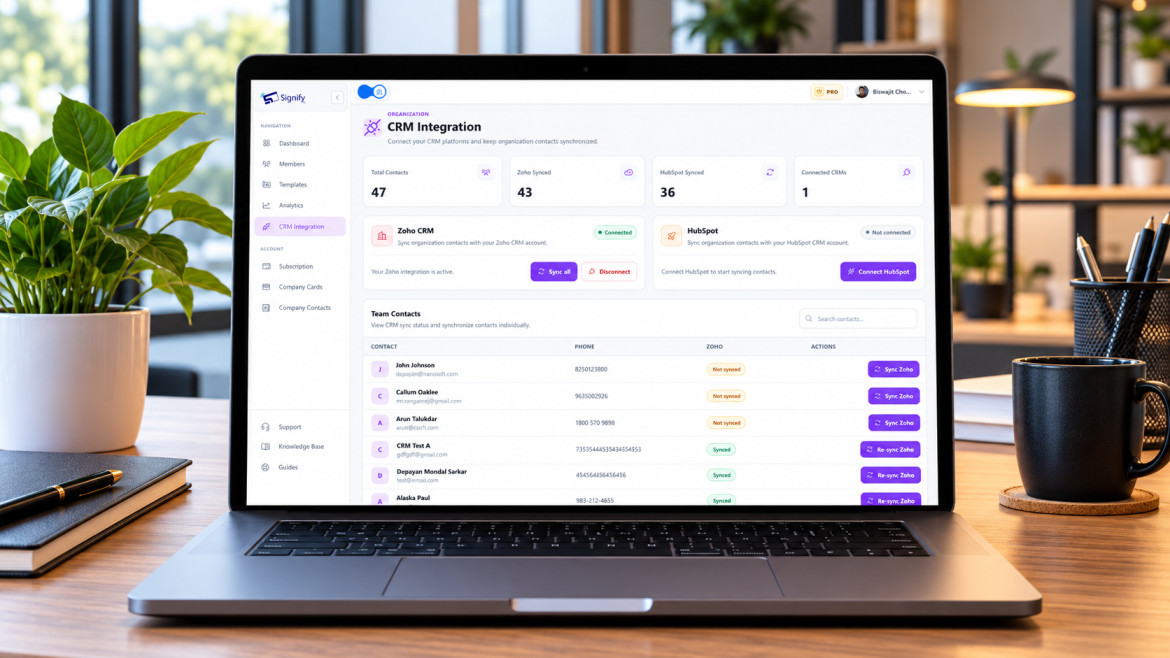
Furthermore, the speed at which you follow up is a direct indicator of your professionalism. When you share a digital card, the data is instantly available. You can send a personalized follow-up email within minutes of the conversation ending, referencing specific points you discussed. This "speed to lead" approach is proven to drastically increase conversion rates compared to waiting days to manually input data into a CRM.
Comparison of Sharing Methods
Different audiences prefer different sharing methods. Multiple channels improve accessibility and recall. Every route should lead to the same professional profile. Here is a breakdown of the speed and convenience of various methods.
| Method | Speed / Convenience Score | Best Use Case |
|---|---|---|
| Paper Card | 25 / 100 | Traditional events, but requires manual data entry later. |
| QR Code | 95 / 100 | In-person events, poster displays, and mobile scanning. |
| NFC Tap | 92 / 100 | Premium networking, conferences, and trade shows. |
| Email Link | 86 / 100 | Follow-ups, virtual networking, and passive sharing. |
| Virtual Chat | 83 / 100 | Zoom/Teams calls where you need to drop a link quickly. |
What a Great Digital Card Should Include
A strong digital business card gives recipients everything they need to connect, follow up, and learn more about your work. Your card acts as a centralized hub for your professional identity. Ensure your profile includes:
| Essential Information | Advanced Content |
|---|---|
| Name and professional title | Portfolio or case studies |
| Company information and logo | Videos and brochures |
| Phone number and business email | Booking calendar link (Calendly) |
| Website links | Social media channels |
| LinkedIn profile | Payment links or product catalogs |
Advanced Sharing Strategies
Once you have mastered the basics, you can use advanced strategies to maximize the impact of your digital card.
For Teams and Organizations
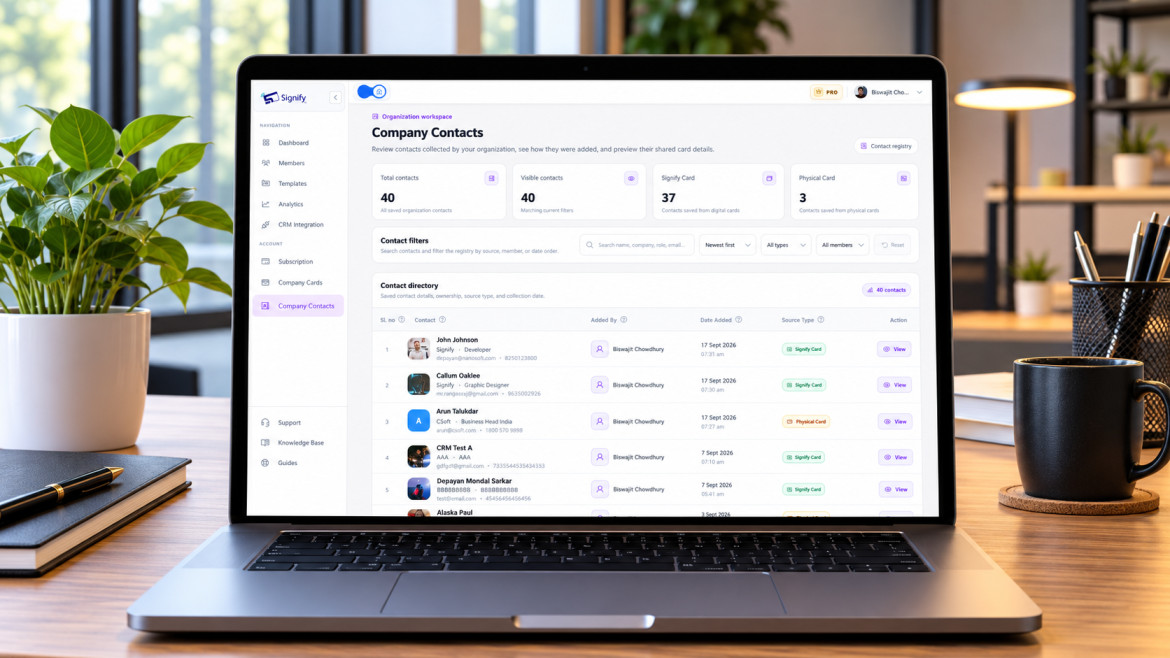
If you are rolling out digital cards across an entire company, consistency is key. Use Signify for Teams to lock down branding guidelines, ensuring every employee's card features the correct logo, colors, and fonts. You can also use centralized management to instantly update the entire team's information when a company rebrand or address change occurs.
Event Networking Tactics
At large conferences, speed is your priority. Have your QR code or NFC card ready before you enter the room. Instead of asking, "Can I give you my card?", lead with value: "Great conversation. Let me share my portfolio with you." Hand them your phone with the QR code displayed, or tap your NFC card. This proactive approach is much more engaging.
Common Mistakes to Avoid
Even with the best tools, small errors can derail your networking efforts. Avoid these common pitfalls:
- Broken Links: Always test your custom URL and QR code before an event. Ensure they resolve correctly to your live profile.
- Outdated Information: A digital card is only as good as the data on it. Update your job title, phone number, and links immediately when they change.
- Overcrowded Profiles: Don't list every social media platform you have ever used. Only include links that provide immediate value to a professional contact (e.g., LinkedIn, portfolio, booking link).
- Low-Contrast QR Codes: If you are printing a QR code, ensure there is a strong contrast between the code and the background. Avoid placing QR codes on cluttered or dark backgrounds where phone cameras might struggle to scan them.
How Signify Simplifies Sharing
Signify helps professionals keep one centralized profile that can be shared through QR codes, NFC, links, and other digital touchpoints. Whether someone scans, taps, clicks, or opens your link from an email, they arrive at the same polished digital identity.
This consistency strengthens trust and makes follow-up easier. Key features that make sharing effortless include:
- Centralized Contact Management: Keep all your contact details and links in one place. Update it once and it syncs everywhere.
- QR Code Sharing: Generate dynamic smart QR codes that can be updated anytime without changing the code.
- NFC Compatibility: Tap-to-share physical cards for a premium, modern experience.
- Profile Customization: Tailor your card's design to match your personal brand or company identity.
- Real-Time Updates: Change your job title or phone number instantly, and everyone who has your link sees the update immediately.
- Consistent Branding: Ensure every team member represents the company consistently with Signify for Teams.
To see which plan fits your networking goals, explore our plans and pricing.
Frequently asked questions
Do the people I share my card with need to download an app?
No. When you share your card via a link, QR code, or NFC tap, it opens natively in the recipient's web browser. They can view your profile and save your contact information with a single click.
What is the fastest way to share my digital card at an in-person event?
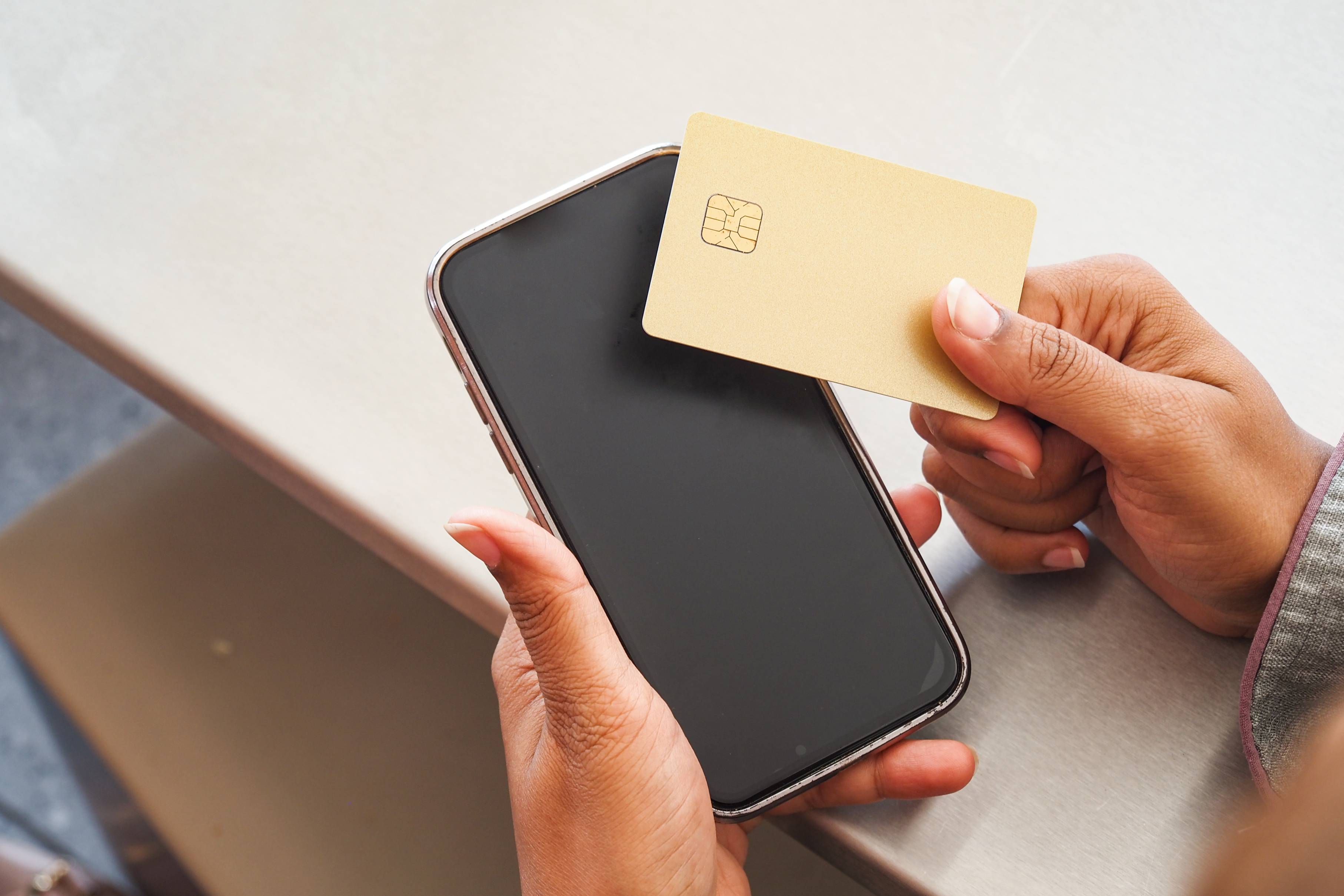
Using an NFC business card is the fastest method—you simply tap it against the recipient's phone. Displaying a smart QR code on your phone screen is also incredibly fast and requires no physical card.
Can I customize what information is shown on my card?
Yes. From your Signify dashboard, you can customize every aspect of your card, including your profile photo, contact details, social links, and the overall design theme.
How do I share my card via email?
You can copy the direct link to your digital profile and paste it into the body of an email or add it to your email signature for passive sharing.
Is my digital business card data secure?
Yes. Signify prioritizes your privacy and security. You have complete control over what information is made public on your card, and our platform uses industry-standard security protocols.
Can I track how many people viewed my card?
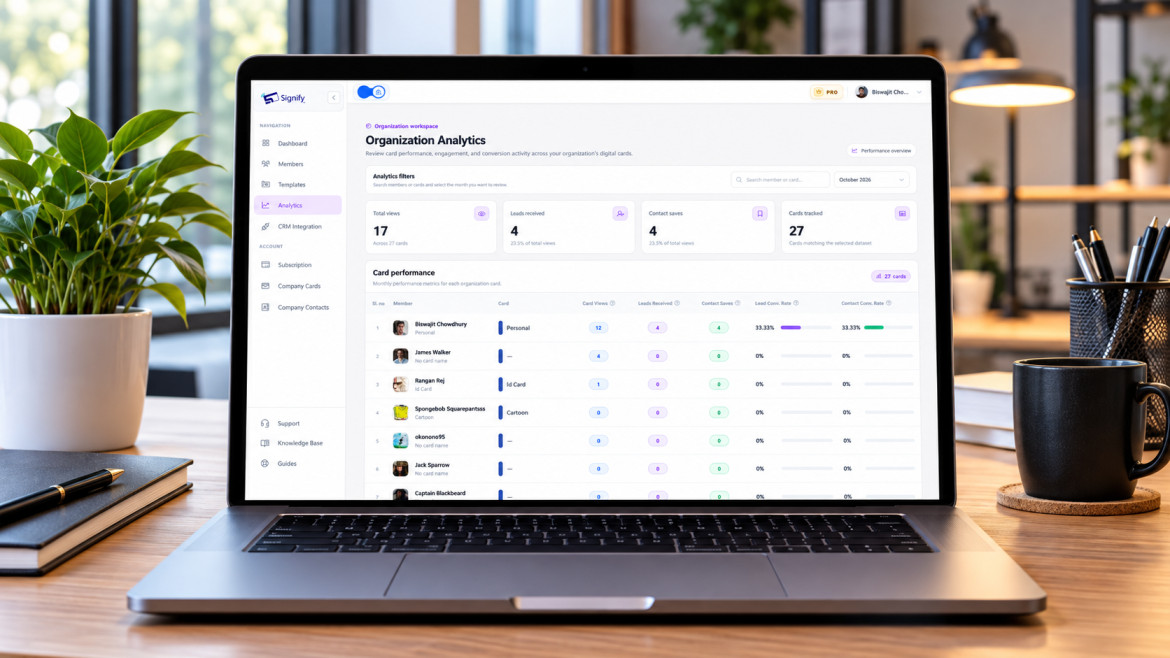
Yes. With our analytics features, you can see how many times your card was viewed, which links were clicked, and when the engagement happened.
What happens if I change my job or phone number?
Simply log into your Signify dashboard and update your details. The change is instant. Anyone who has your link or saved your digital card will see the updated information immediately.
Can I use my digital card internationally?
Yes. Because the card is web-based, it works anywhere in the world. Your contact details and links are accessible from any device with an internet connection, making it perfect for global networking.
Make Every Introduction Count
In 2026, sharing a digital business card should feel immediate, polished, and frictionless. Make your profile easy to access from anywhere while keeping the experience consistent across every channel.
Create Your Signify Card